
Design. Resize. Print.
Enlarge any pattern full-size at home
Easily enlarge patterns


Your design’s automatically tiled across pages that fit together perfectly.
Great for all kinds of art projects







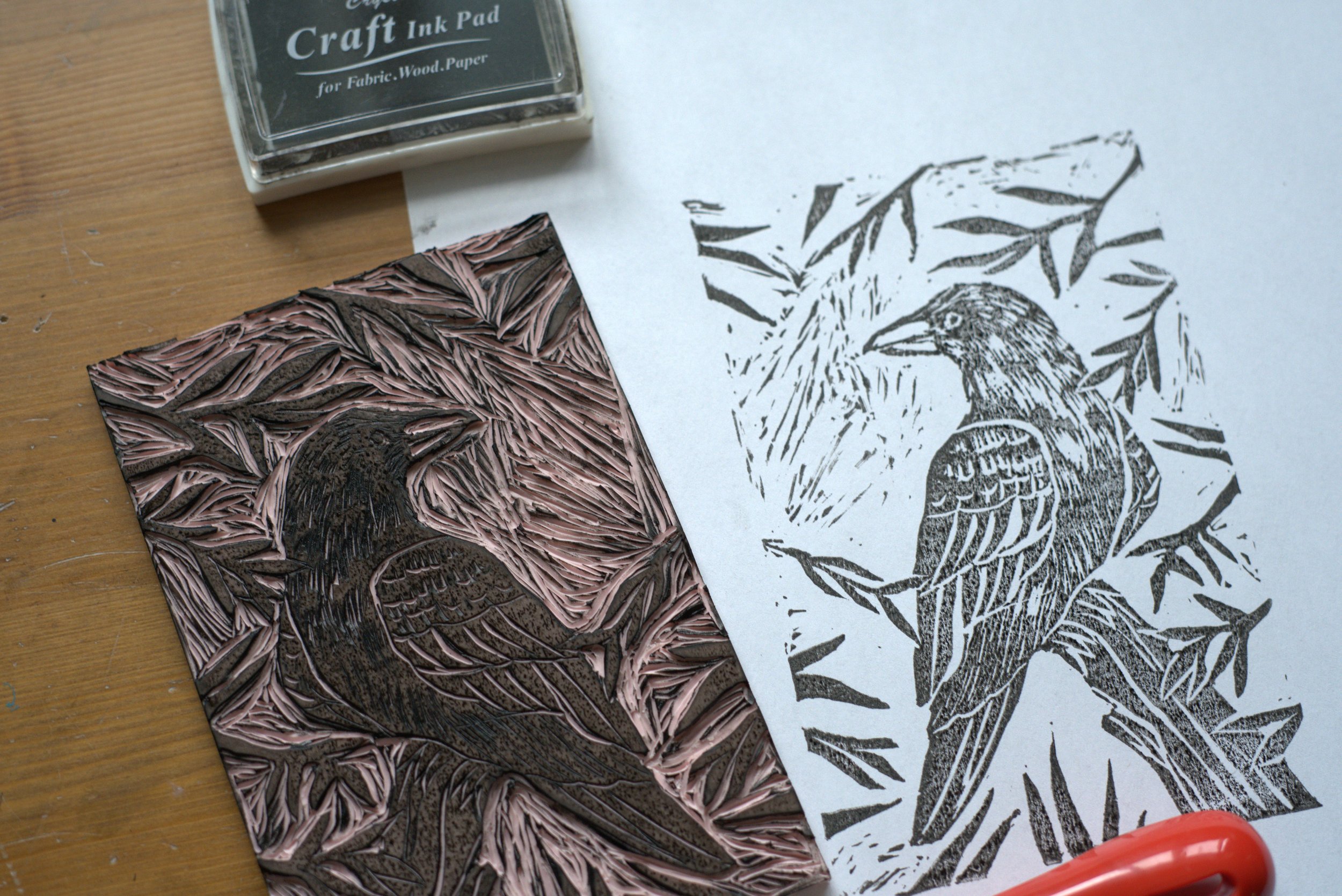
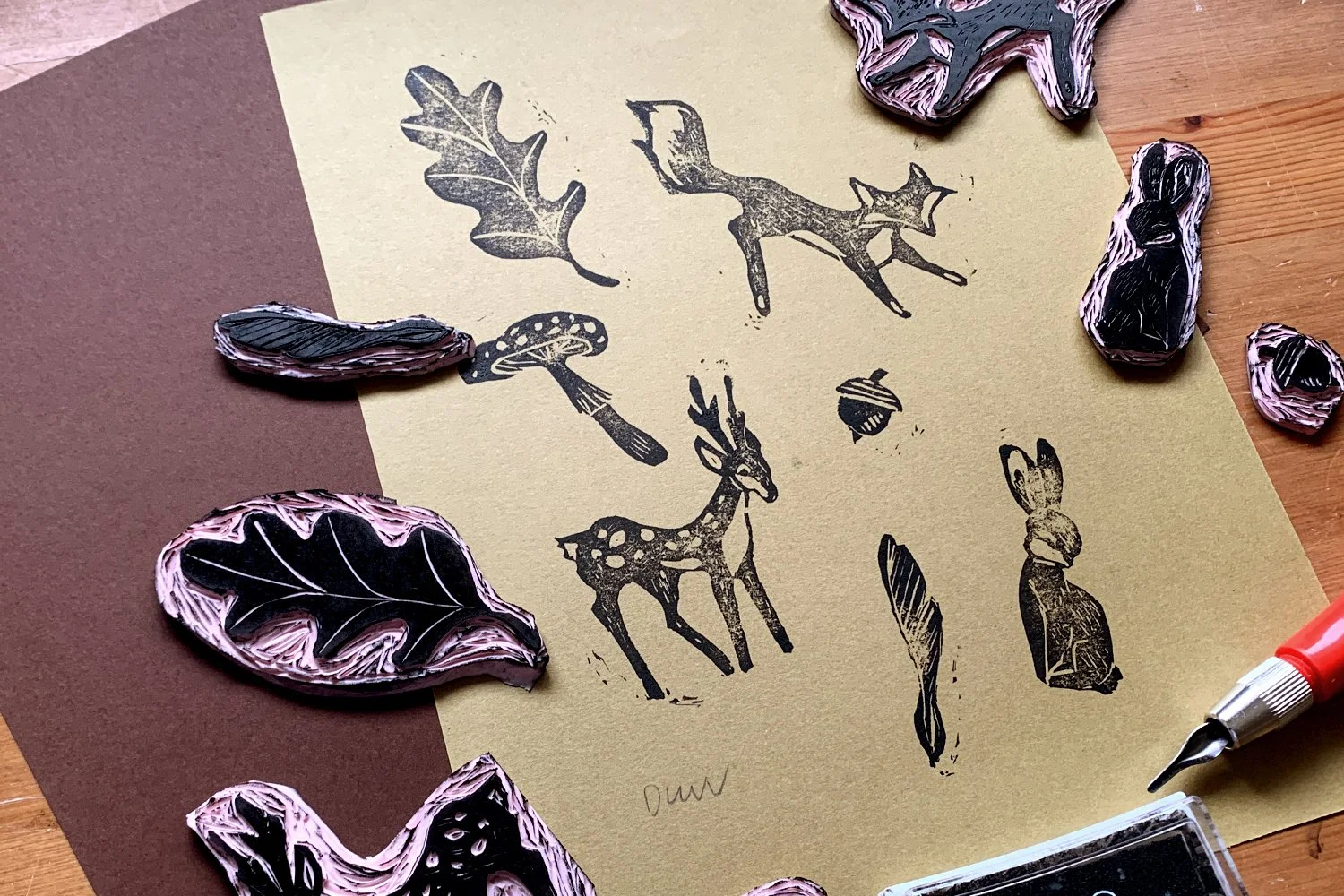


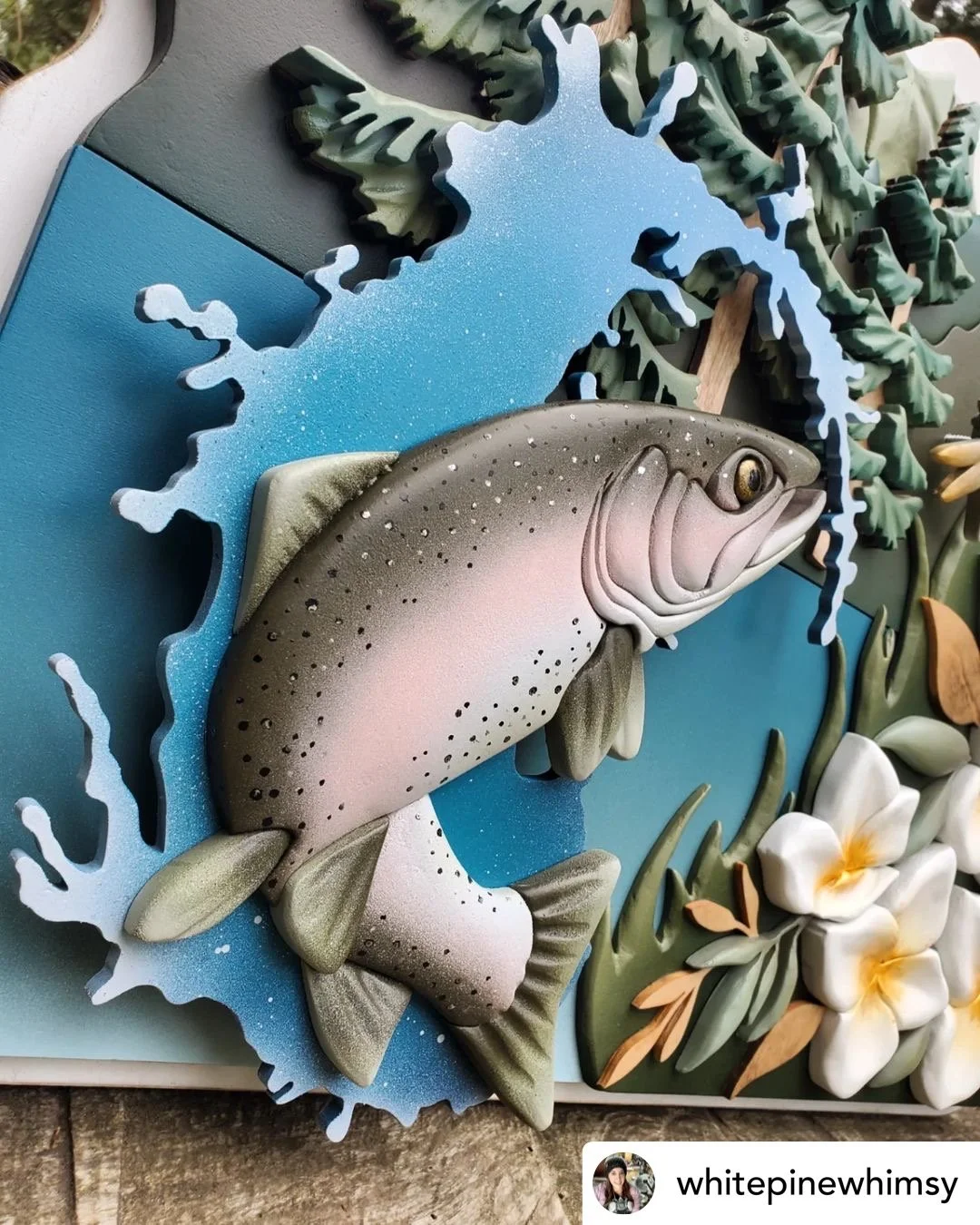
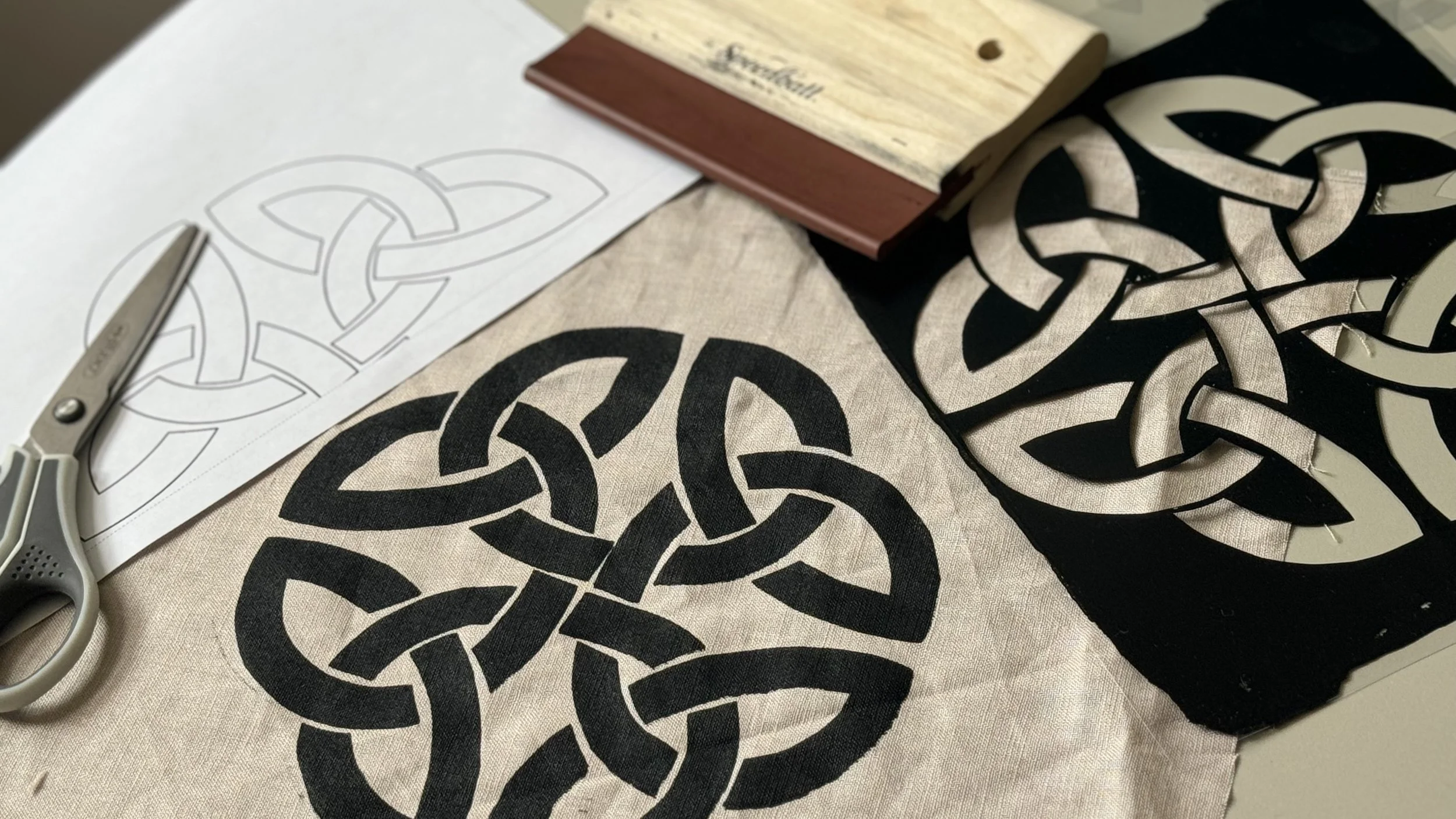


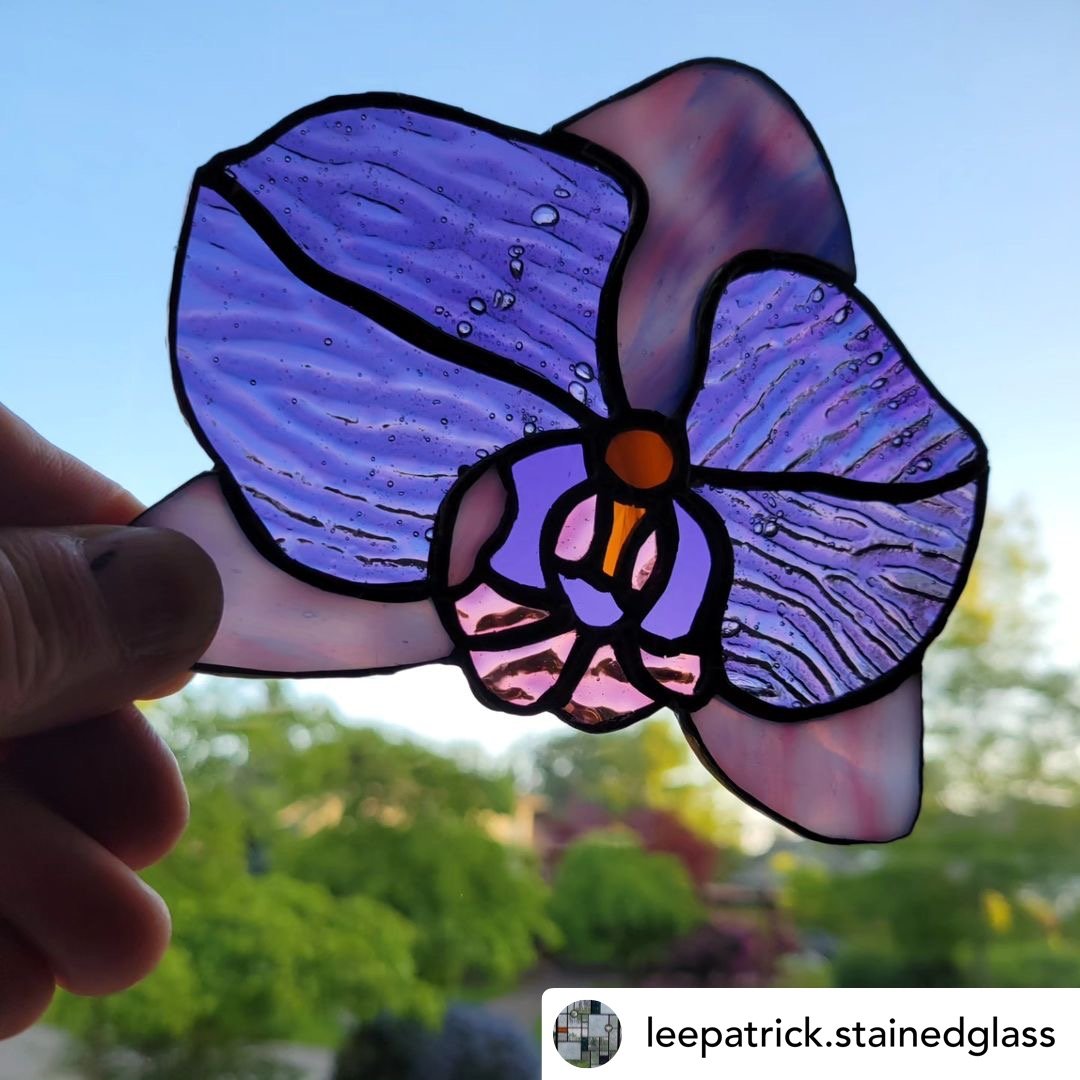


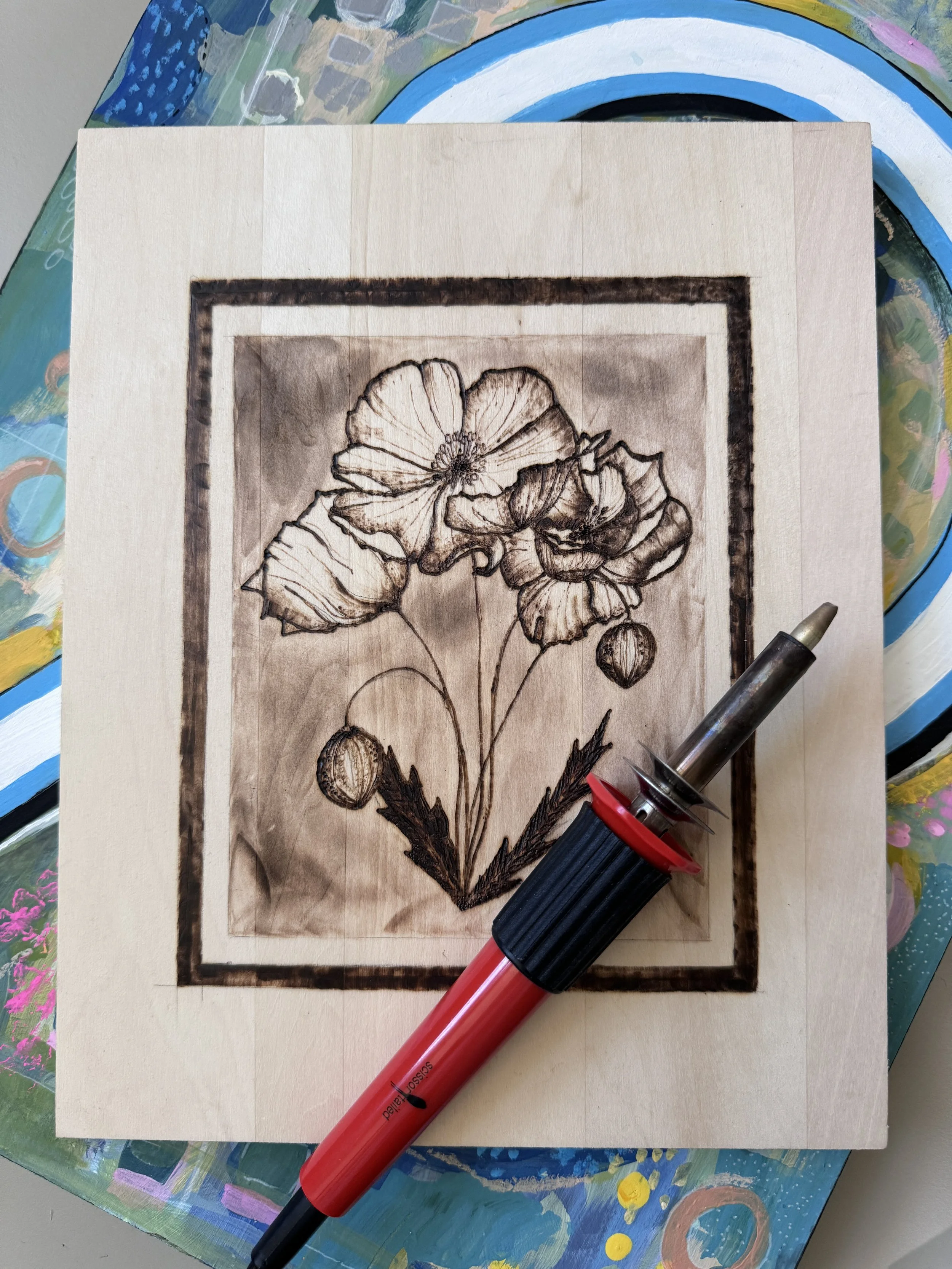


Woodworking
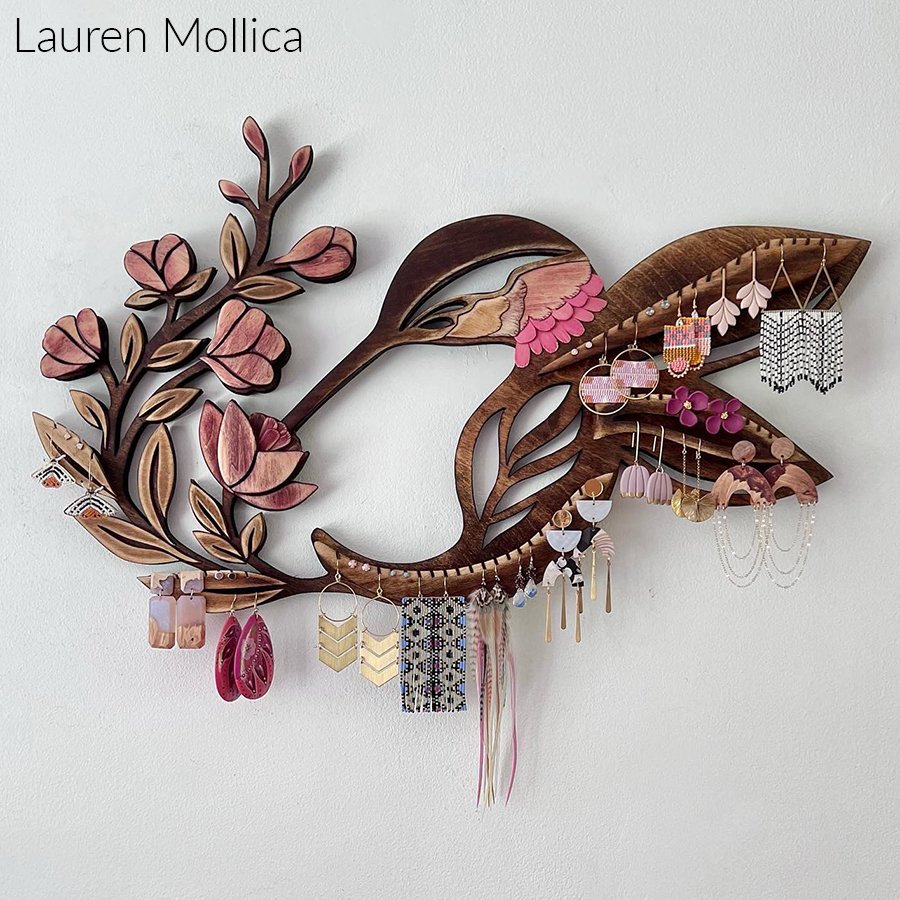
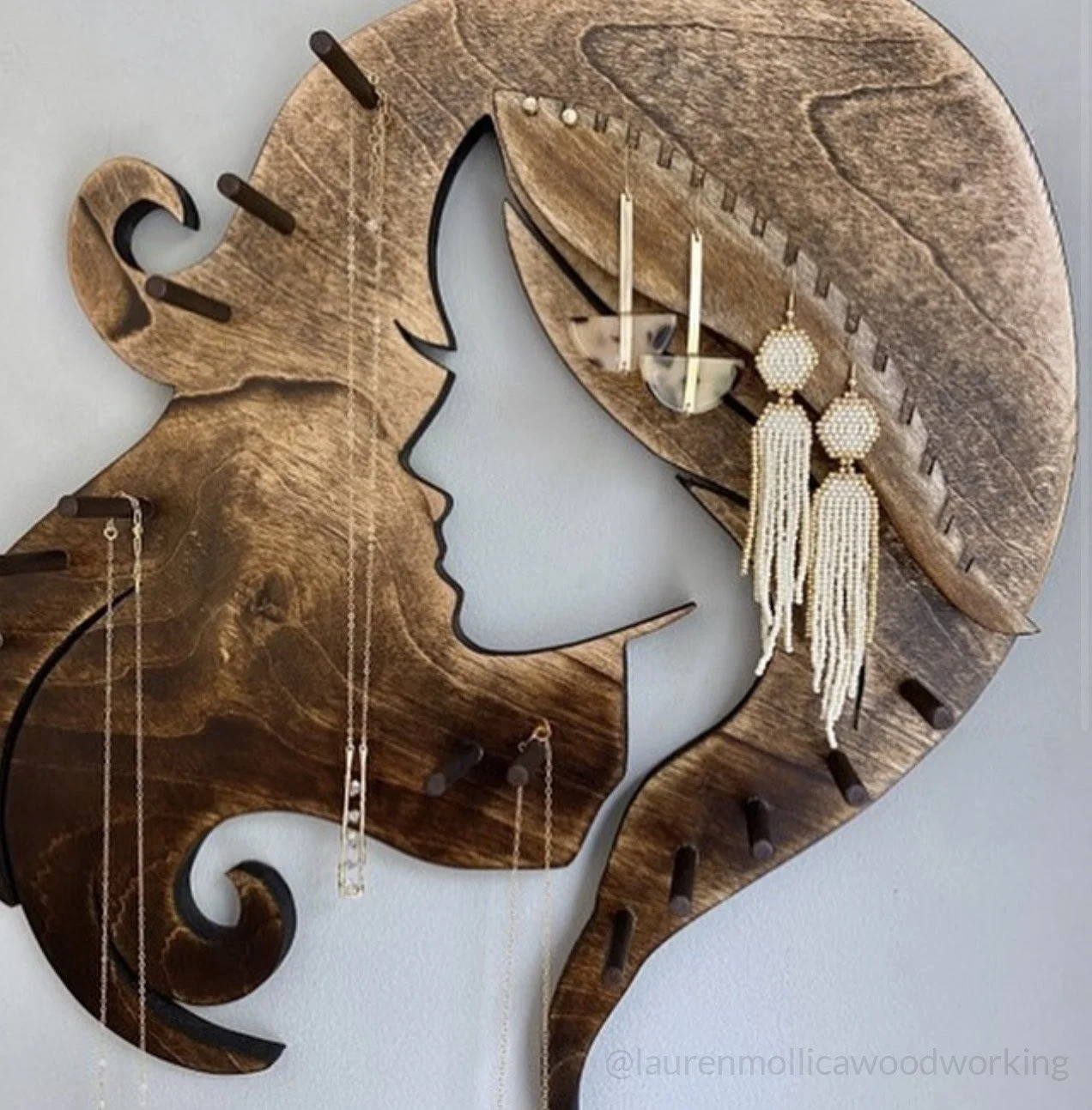
Scroll saw (print red to ease cutting), wood carving, wood burning, inarsia, and marquetry.
Stained Glass
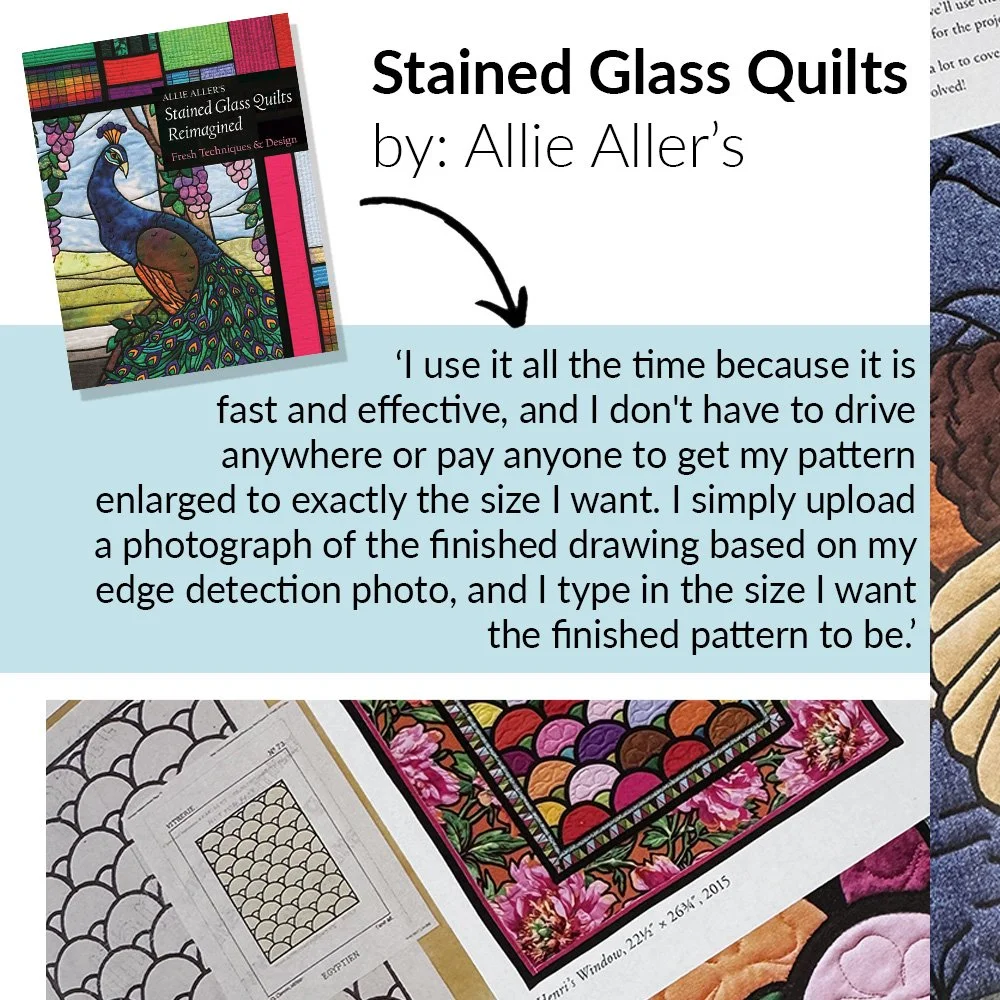
Suncatchers, panels, and mosaics.
Calligraphy
200+ built-in fonts and hundreds of symbols.
Textile Art
Sewing, quilting, applique, cross-stitch, rug hooking, felt and doll patterns.
Painting
Tole, decorative and templates for murals.
Images
Resize in color for posters, signs and cardboard cutouts.
Practical Uses
Silhouettes, scrapbooking, printables, vinyl cutting, and metal engraving.
Other Projects
Maps (real and games), model airplane plans, motorcycle accessories.
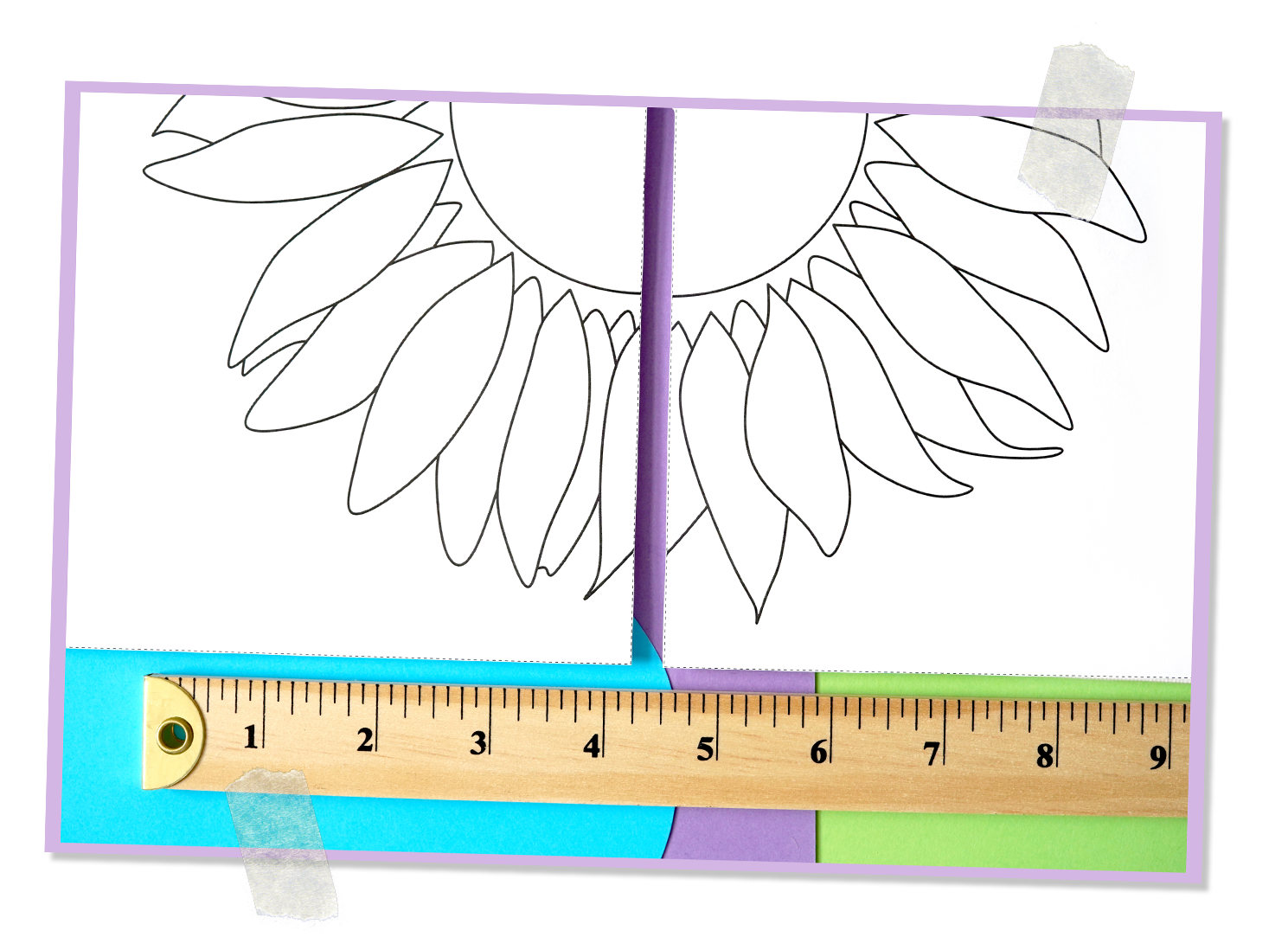
Customize your designs

Rapid Resizer makes it easy to enlarge or reduce your designs to any size.

Enter your dimensions in inches, feet, cm, or percent.

Change proportions, arch, rotate, mirror, or skew.

Use on any device

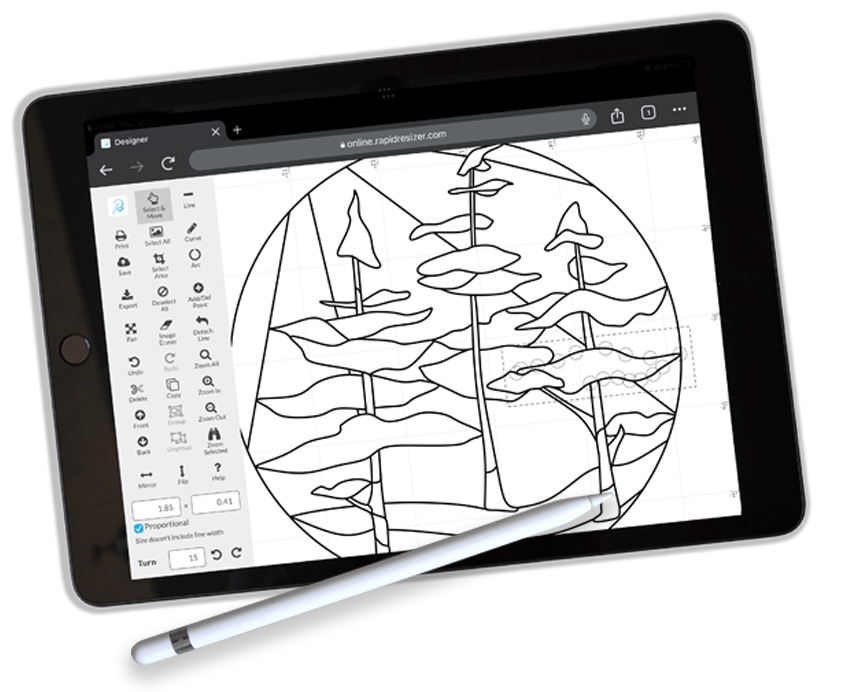
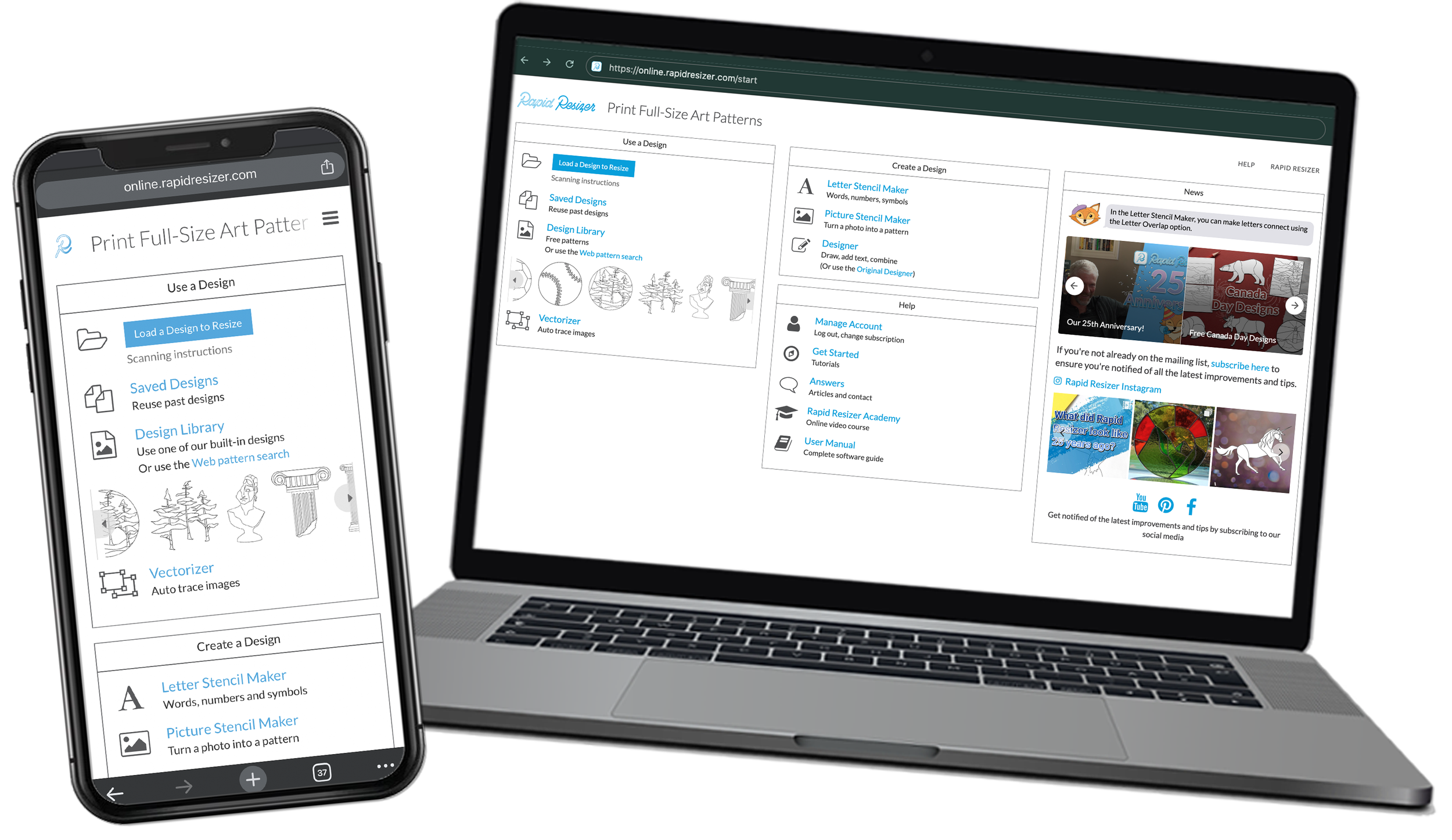
Rapid Resizer works with phones, tablets, and desktops.
Windows
Mac, iPad and iPhone
Android
No need to download or install anything.

Learn how to use Rapid Resizer
Get creative with our Design Library
Explore the great designs in our growing Design Library. Easily customize, combine and resize any design for your next project

800+ built-in designs
Create your own full-size designs

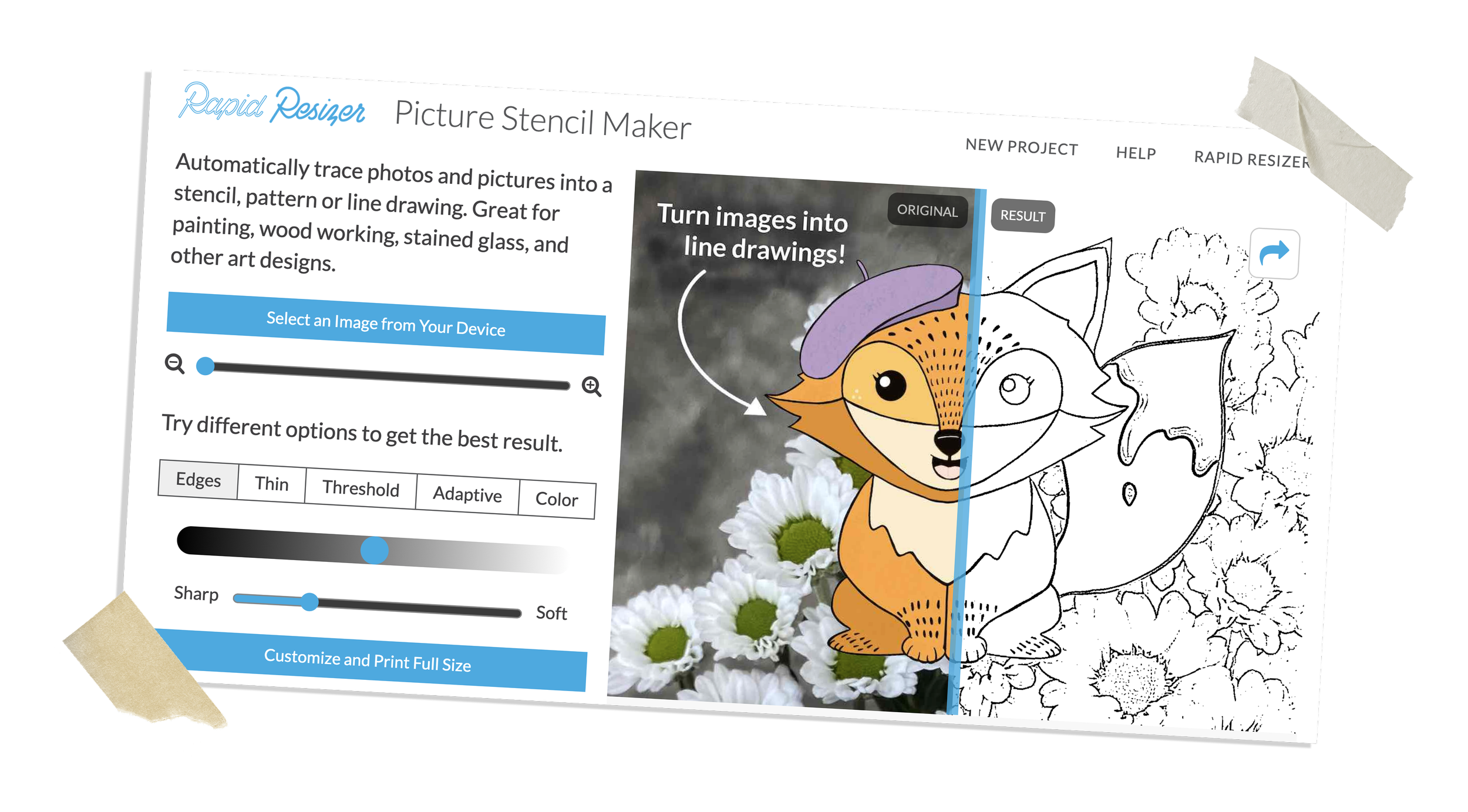
Picture Stencil Maker

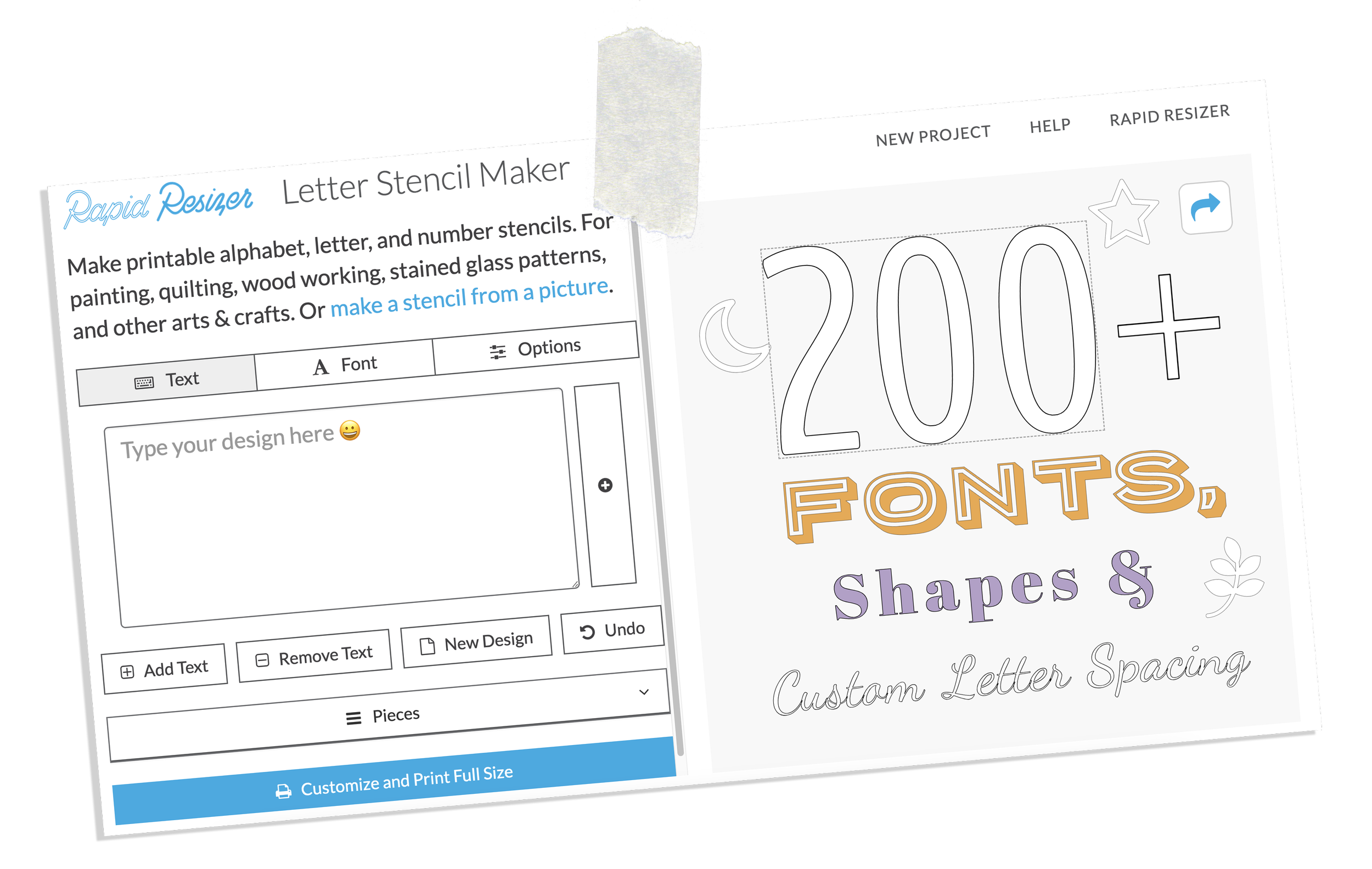
Turn a photo into a stencil with the Picture Stencil Maker. Or create a text design using over 200+ built-in fonts with the Letter Stencil Maker.
Letter Stencil Maker

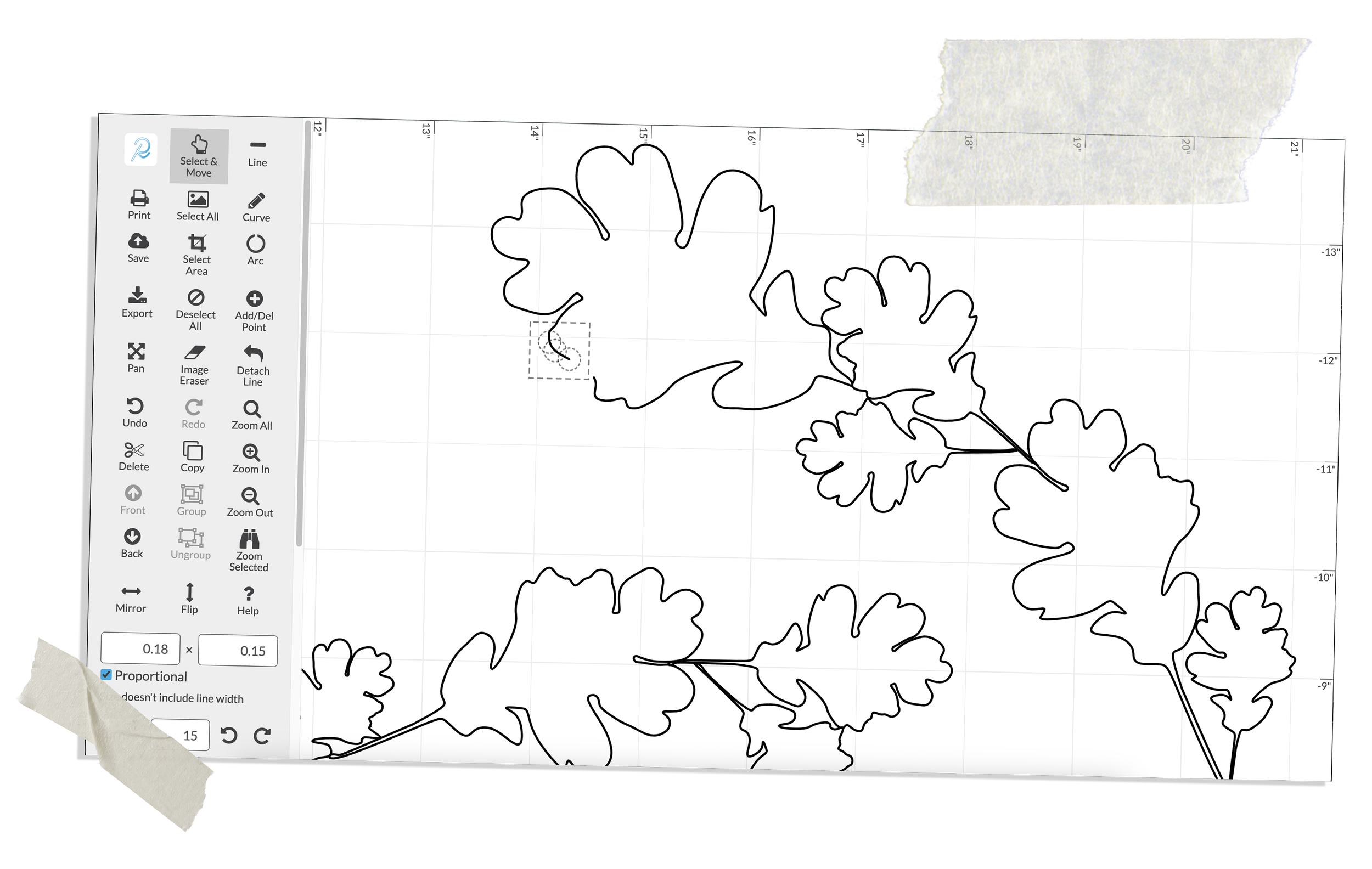
The Designer

Draw full-size designs from scratch using The Designer. Customize and combine designs from our Design Library.
Preview Your Finished Project
See how your project will look before you make it. Once you’ve colored your design, Rapid Resizer can estimate how much of each material is needed!

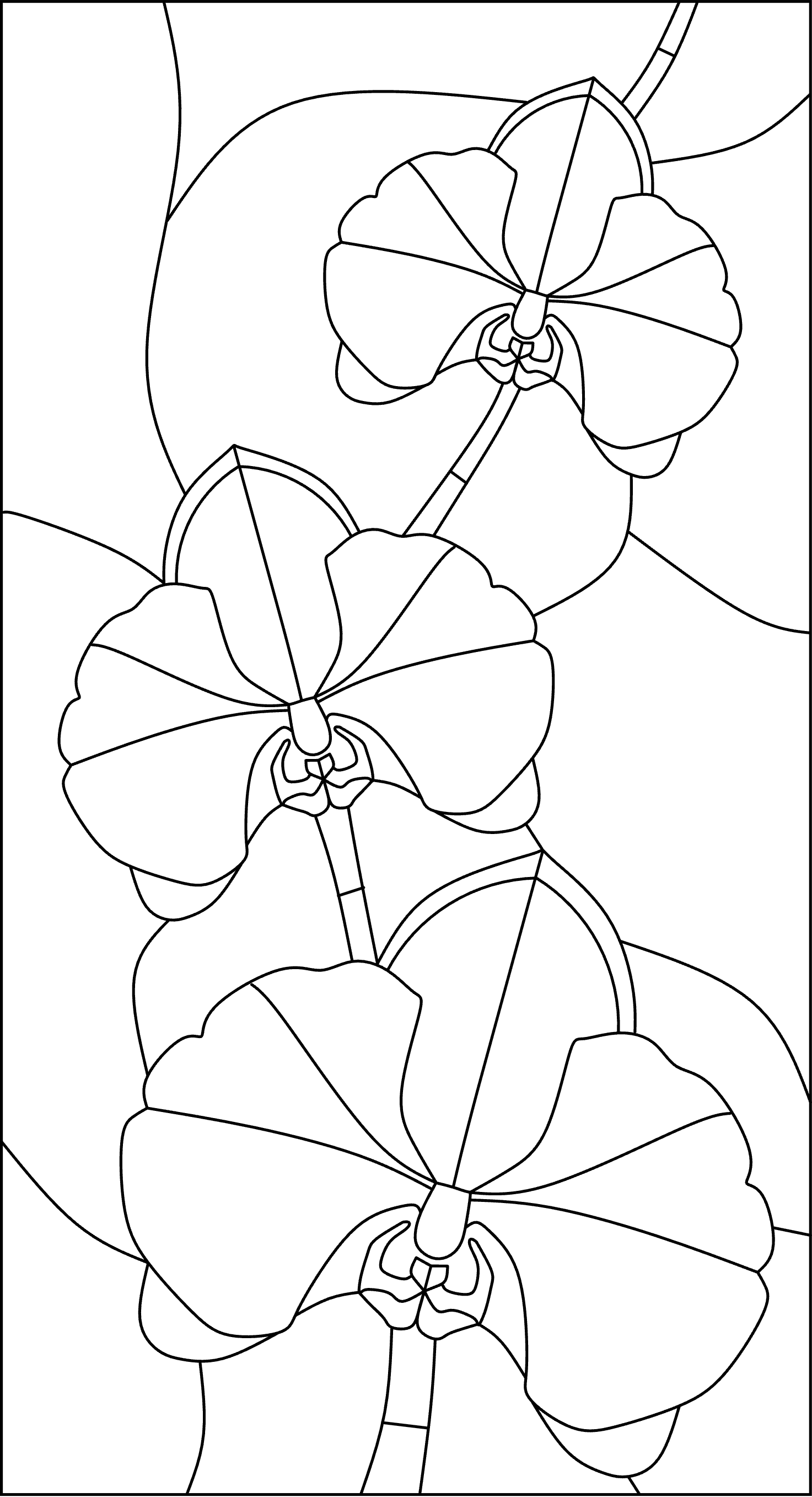

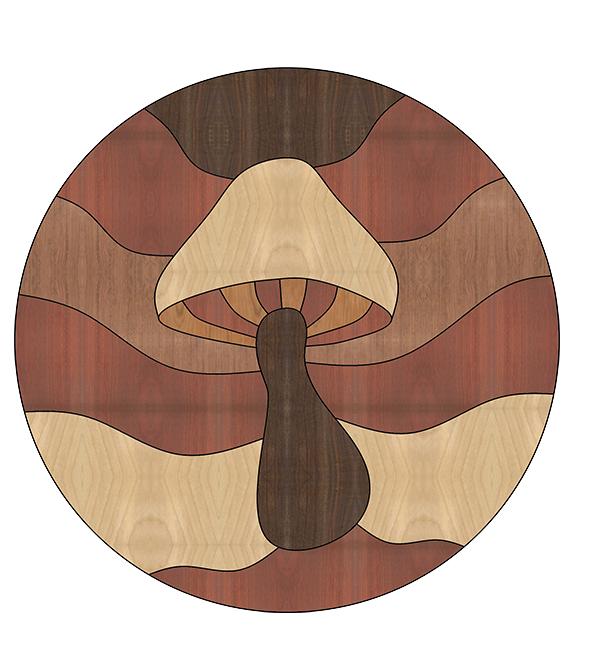



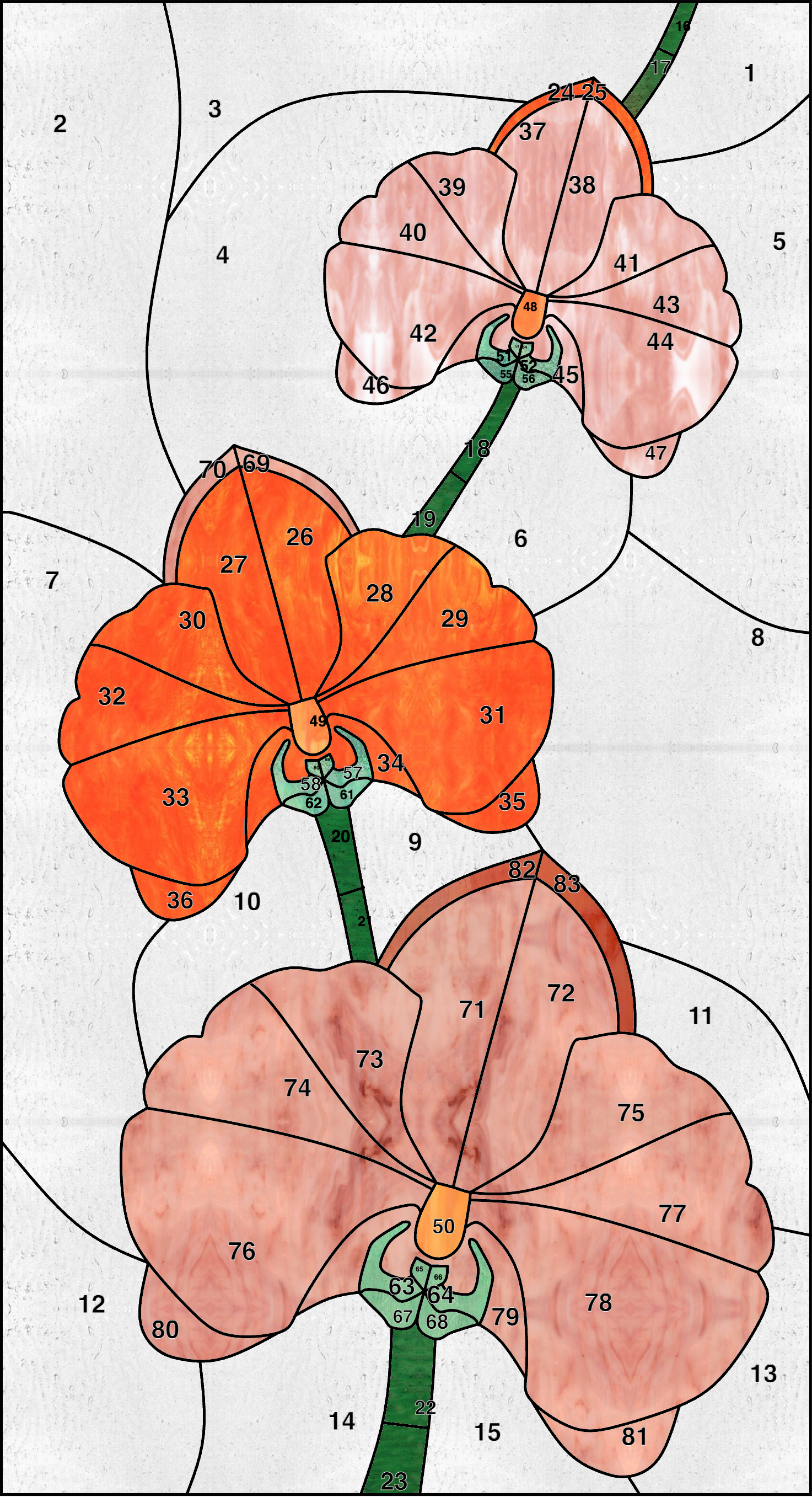
Color-in your design with images of real stained glass, wood and fabric.
Become an expert!

Enroll in our free online course. The Academy is the ultimate resource to master every tool Rapid Resizer has to offer.
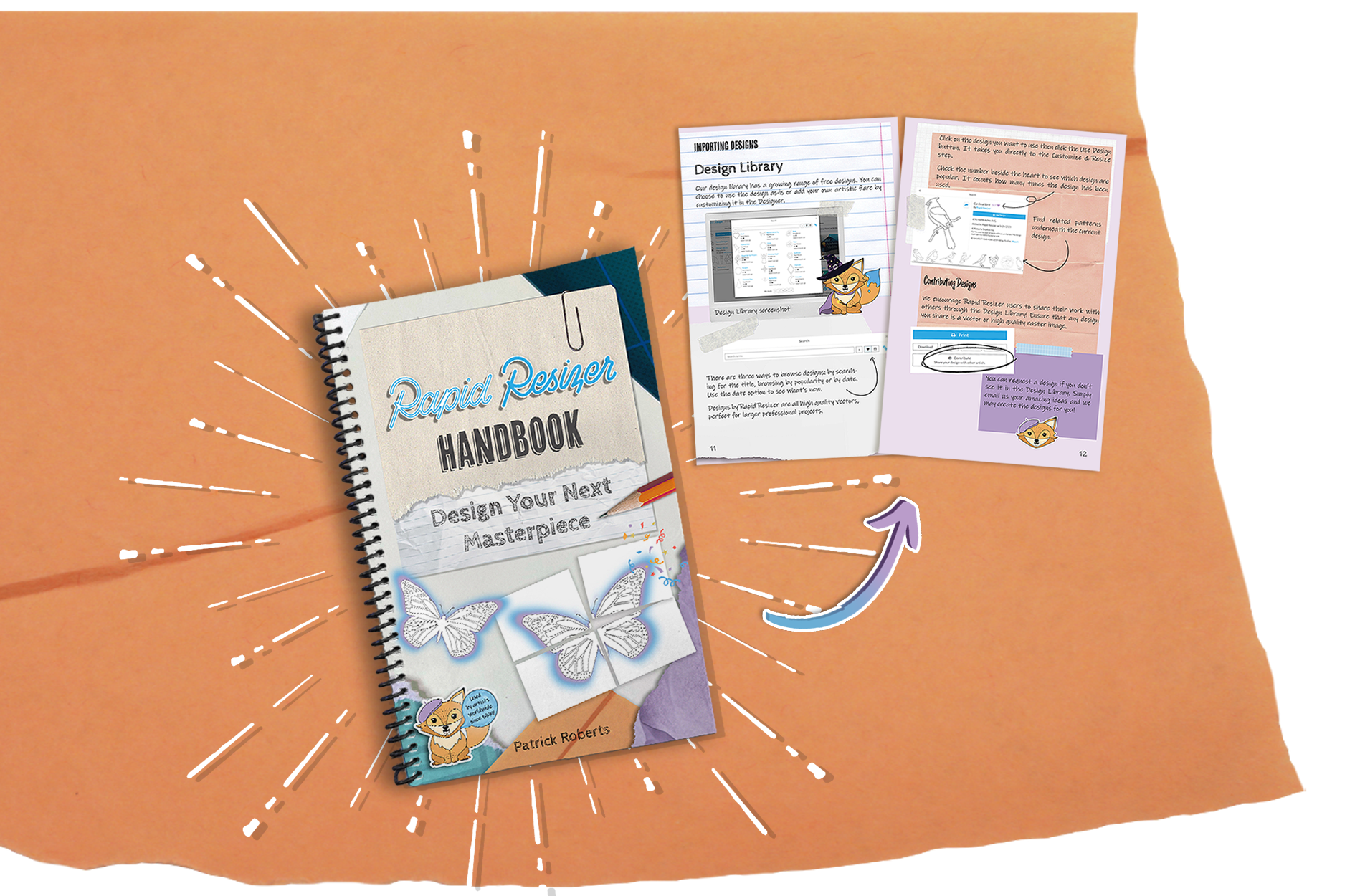
Or get the official Rapid Resizer Handbook. Download the free PDF or order the coil-bound edition.
Relied on by artists worldwide since 1999